ImprovedFor hirers
Ask a hall about your date straight from its page
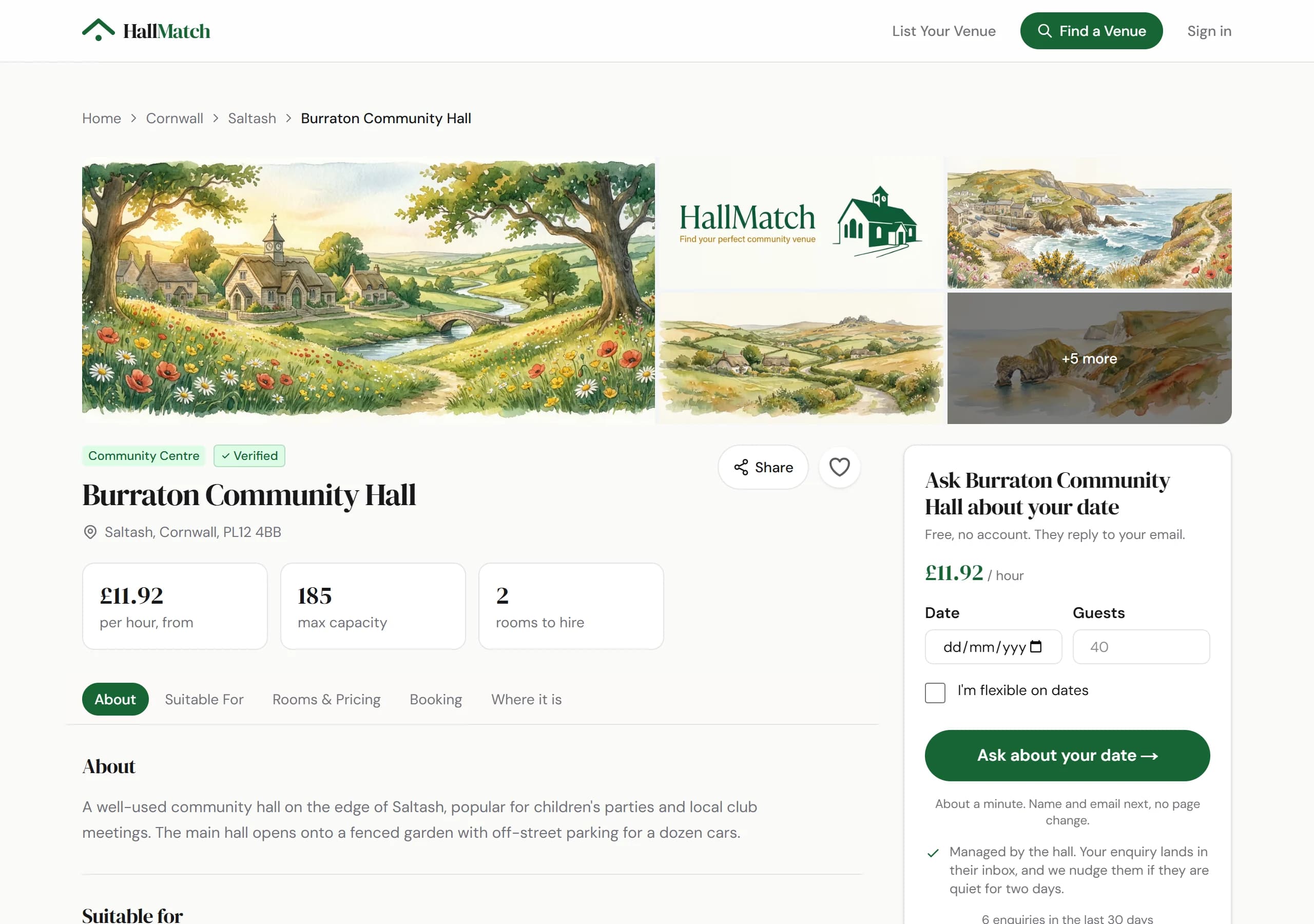
The box on each hall's page now starts with your date and how many guests.
How to use it
- Step 1: On the hall's page, put your date and number of guests in the box beside the photos, or tick I'm flexible on dates.
- Step 2: Press Ask about your date, then add your times, the occasion, your name and email, and send.
Good to know
- On a computer the box stays in view as you scroll.
- Where a hall hasn't given a price, the box shows what it has told us instead, such as the room and how many it seats.
Where to find itAny hall's page
Go to Any hall's page