ImprovedFor hirers
Pick your date when you start searching
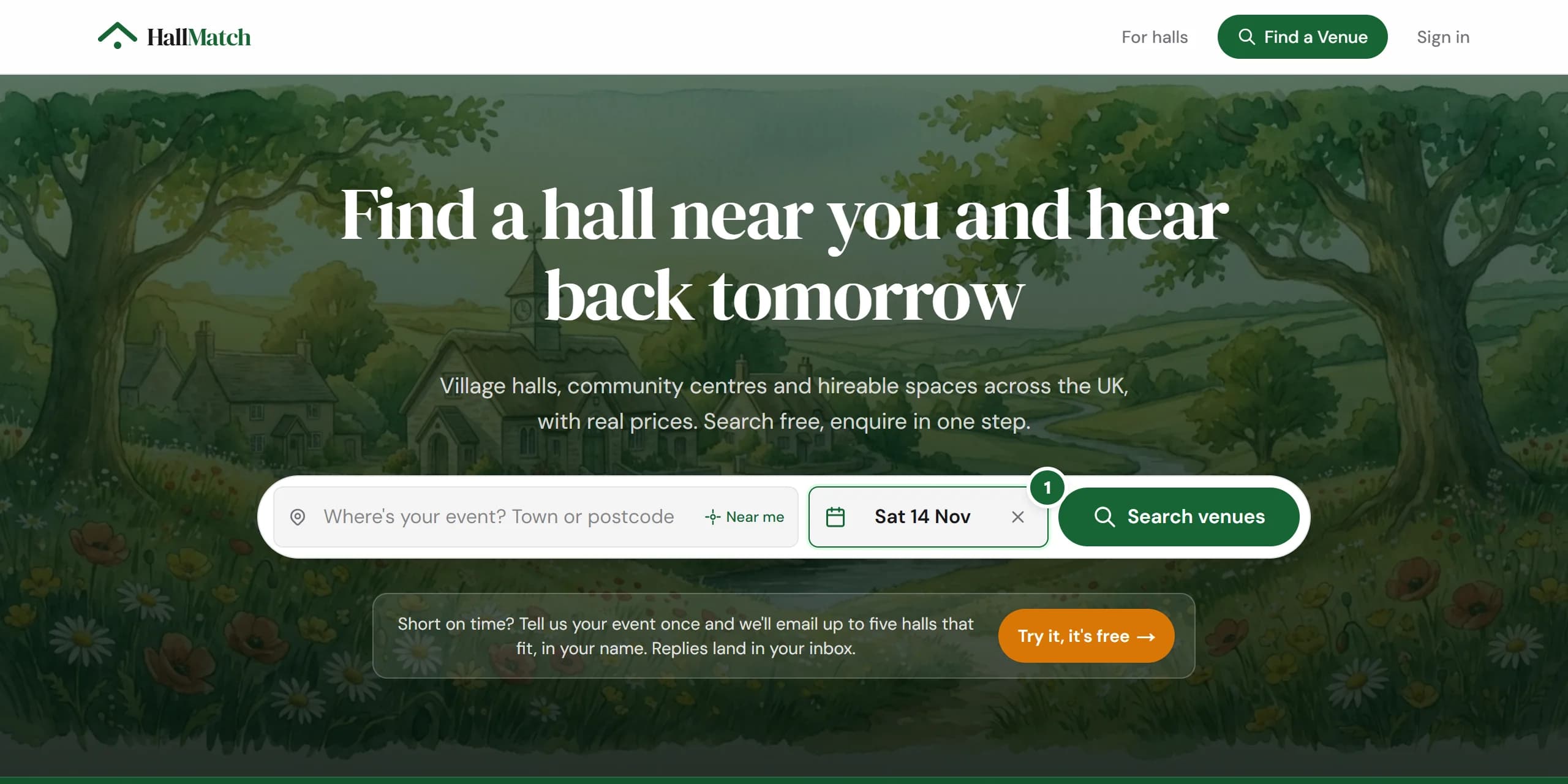
Put your date in on the front page and it follows you: free halls first, then onto each hall's page and into your enquiry.
How to use it
- Step 1: On the front page, press When? and pick your date. It's optional.
- Step 2: Halls free that day come first. A hall that's free for part of the day shows the free hours and Choose a time.
- Step 3: Open a hall or send an enquiry and your date is already filled in, marked From your search.
Good to know
- Only halls that keep their diary on HallMatch can say they're free. A hall without one is never shown as busy.
- Only free halls hides the rest, and only appears when something is free.
- We remember your date only while this tab is open, and it never narrows the results by itself.