ImprovedFor halls
Diary settings save as you change them
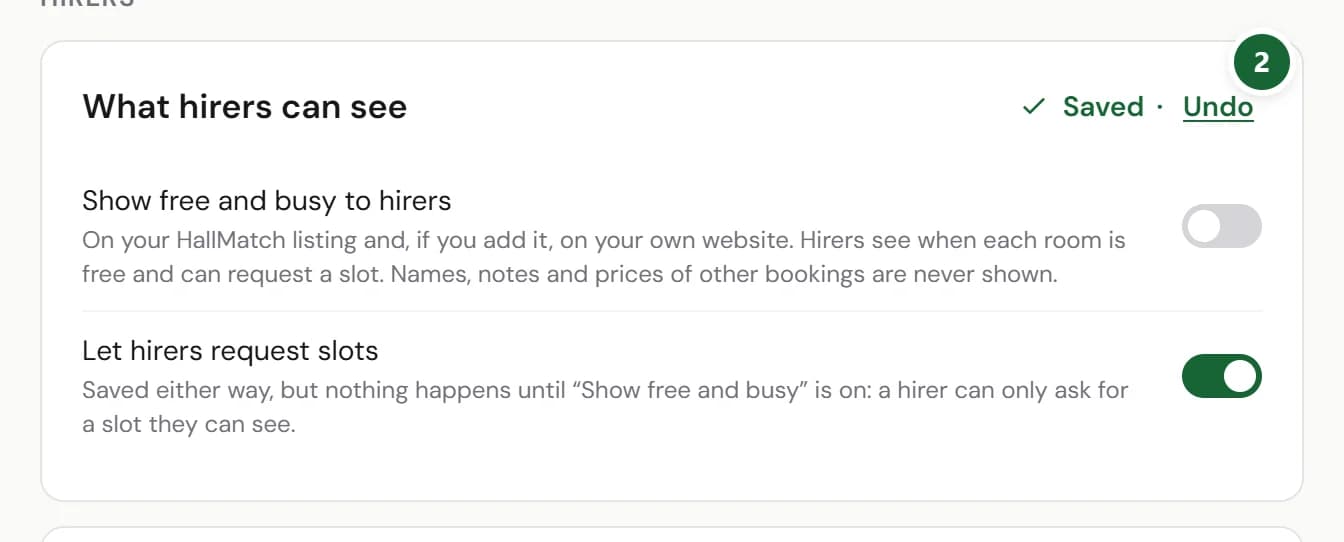
Each card in Diary settings saves itself, with an Undo beside it. There are no Save buttons to forget.
How to use it
- Step 1: Open Diary, then Settings, and change what you need.
- Step 2: The card says Saving…, then Saved. Press Undo beside it to put it back.
Good to know
- Each card saves on its own, so a change in one never waits on another.
Where to find itDiary, then Settings
Show me Not on HallMatch yet? What HallMatch does for halls →