NewFor halls
Book, move and stretch bookings by dragging them in your diary
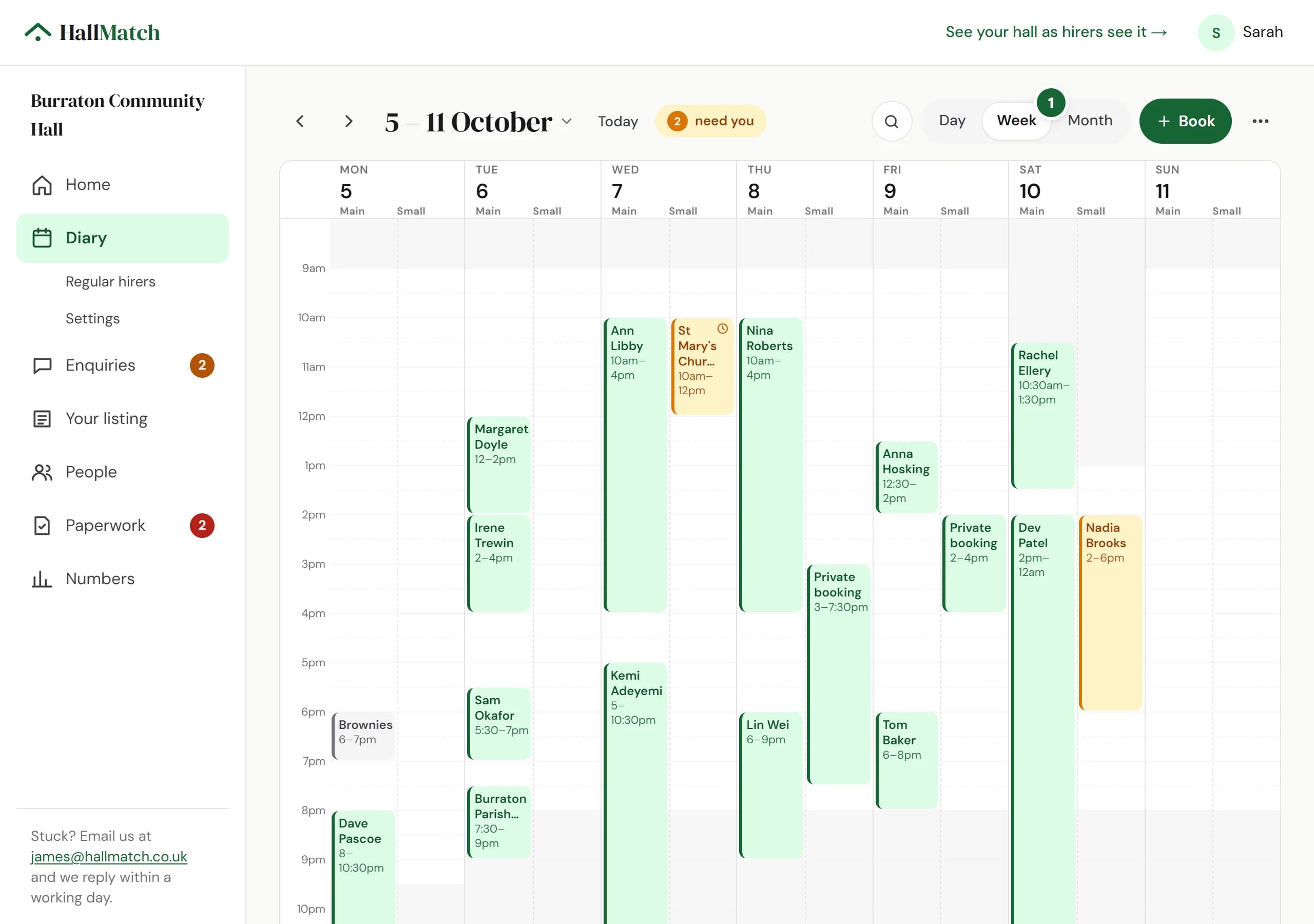
Drag across empty time to book it, drag a booking to move it, and drag its bottom edge to change when it ends.
How to use it
- Step 1: Open Diary. In Week or Day, drag across empty time in a room and fill in who it's for.
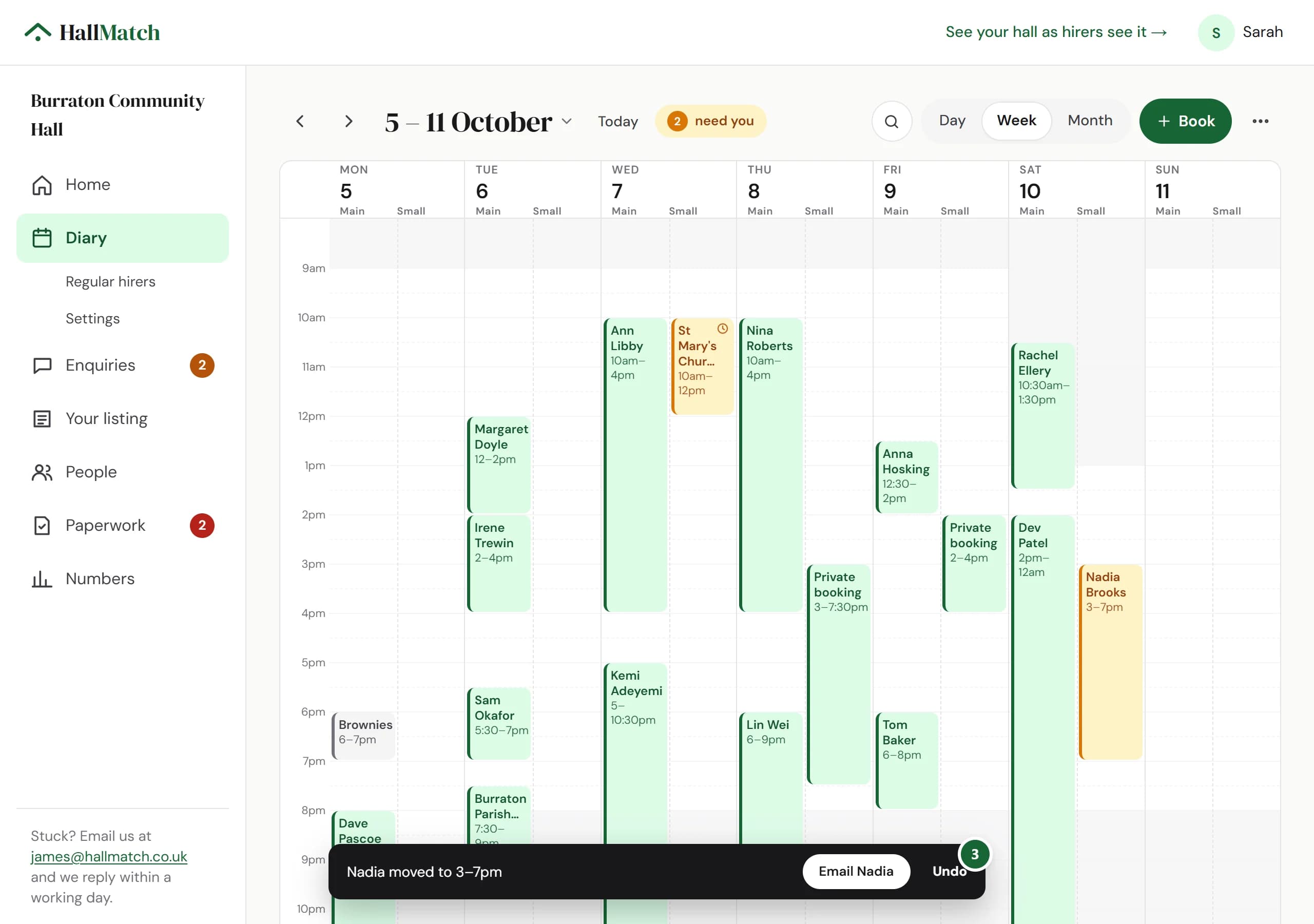
- Step 2: Drag a booking to another time or room to move it, or drag its bottom edge to change when it ends.
- Step 3: A bar at the foot of the screen says what changed. Press Undo within 20 seconds to put it back, or the button with the hirer's name to email them.
- Step 4: On a phone, tap a free row to book that gap, and swipe a booking for Call or Paid.
Good to know
- Moving a booking never emails the hirer by itself. You choose whether to tell them.
- Rather not drag? Right-click a booking, or press and hold on a phone, for Move to… and the rest.
- Drag a hirer's request to another time to offer them that time instead.
- Find, at the top, answers a date with each room's free times, or finds a hirer by name or phone number. Type unpaid for bookings not yet paid.
Where to find itDiary
Show me Not on HallMatch yet? What HallMatch does for halls →