NewFor hirers
Search with a date and the halls that are free come first
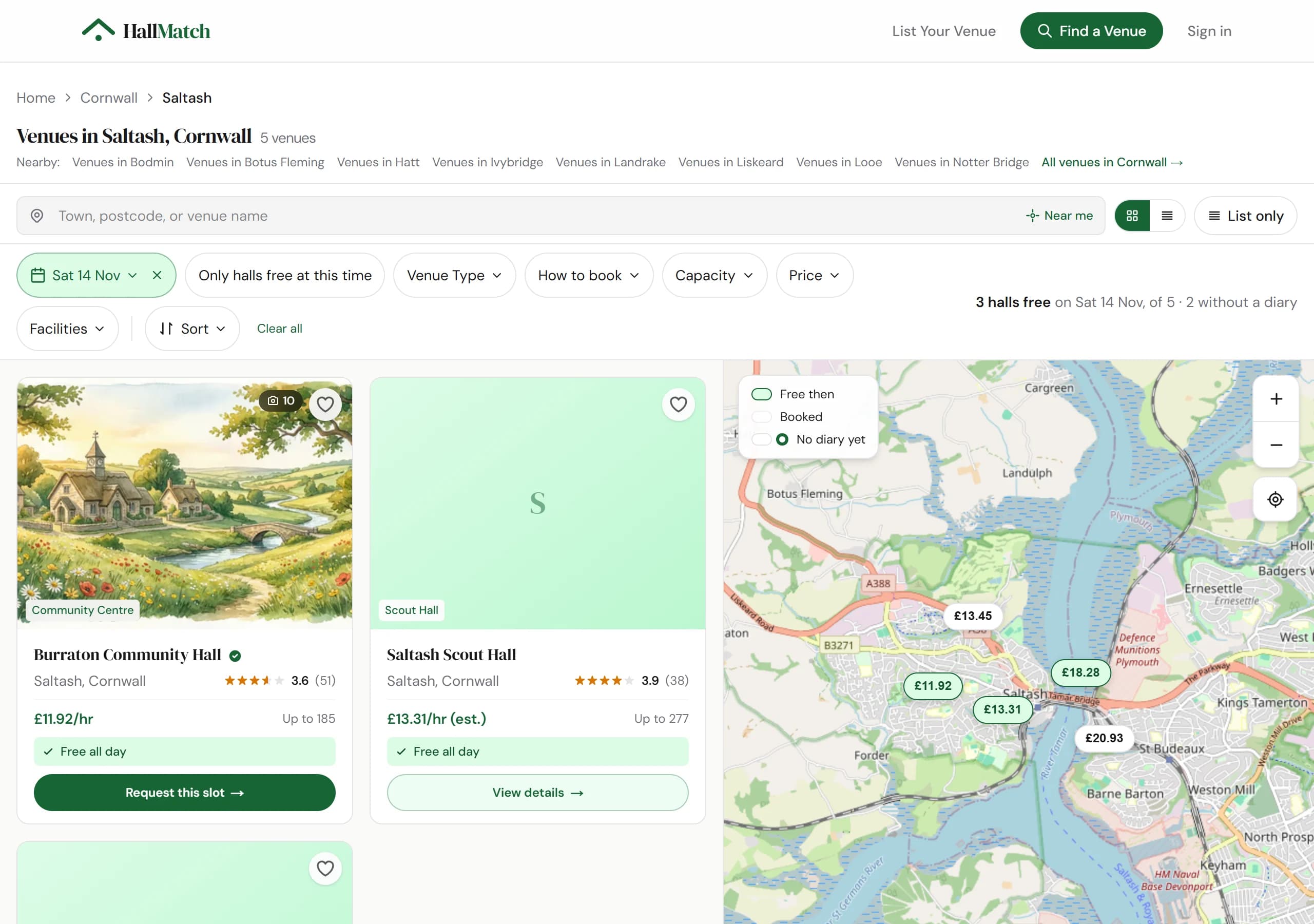
Pick a date and halls that are free that day lead the results, with a Request this slot button.
How to use it
- Step 1: Search for a place, then pick your date with the date button above the results.
- Step 2: Halls free that day say Free all day or give the free hours, and come first. The line on the right says how many are free.
- Step 3: Press Request this slot on a free hall, or open it: your date comes with you.
Good to know
- Only halls that keep their diary on HallMatch can say they're free. A hall without one is never shown as busy.
- Only halls free at this time hides the rest.
Where to find itFind a venue
Go to Find a venue