NewFor halls
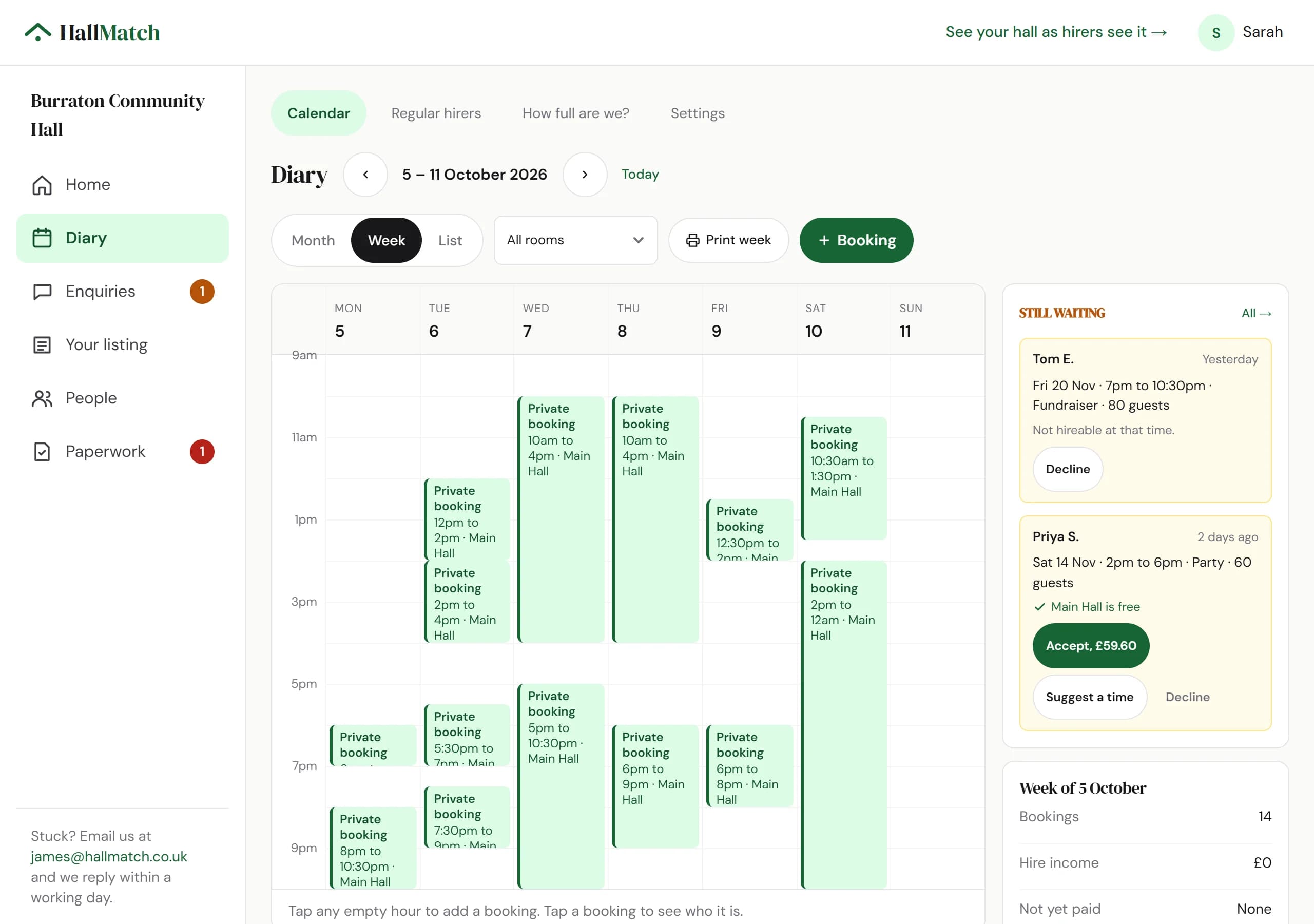
A free diary for your hall, if you want one
Keep rooms, bookings and regulars on HallMatch for free, and let hirers see which dates are free.
How to use it
- Step 1: Open Diary and press + Booking to put a booking in, or Regular hirers for groups that come every week.
- Step 2: To let hirers see which dates are free, open Settings and turn on What hirers can see.
- Step 3: Press Print week for the noticeboard.
Good to know
- Hirers only ever see free and busy. Never who has booked or what for.
- Already use another booking system? You don't need to move: keep your bookings where they are, and hirers still find you on HallMatch.
- Requests from hirers wait in Still waiting beside the week, with Accept, Suggest a time and Decline.
Where to find itDiary
Show me Not on HallMatch yet? What HallMatch does for halls →