NewFor halls
Answer a hirer in one tap from the enquiry email
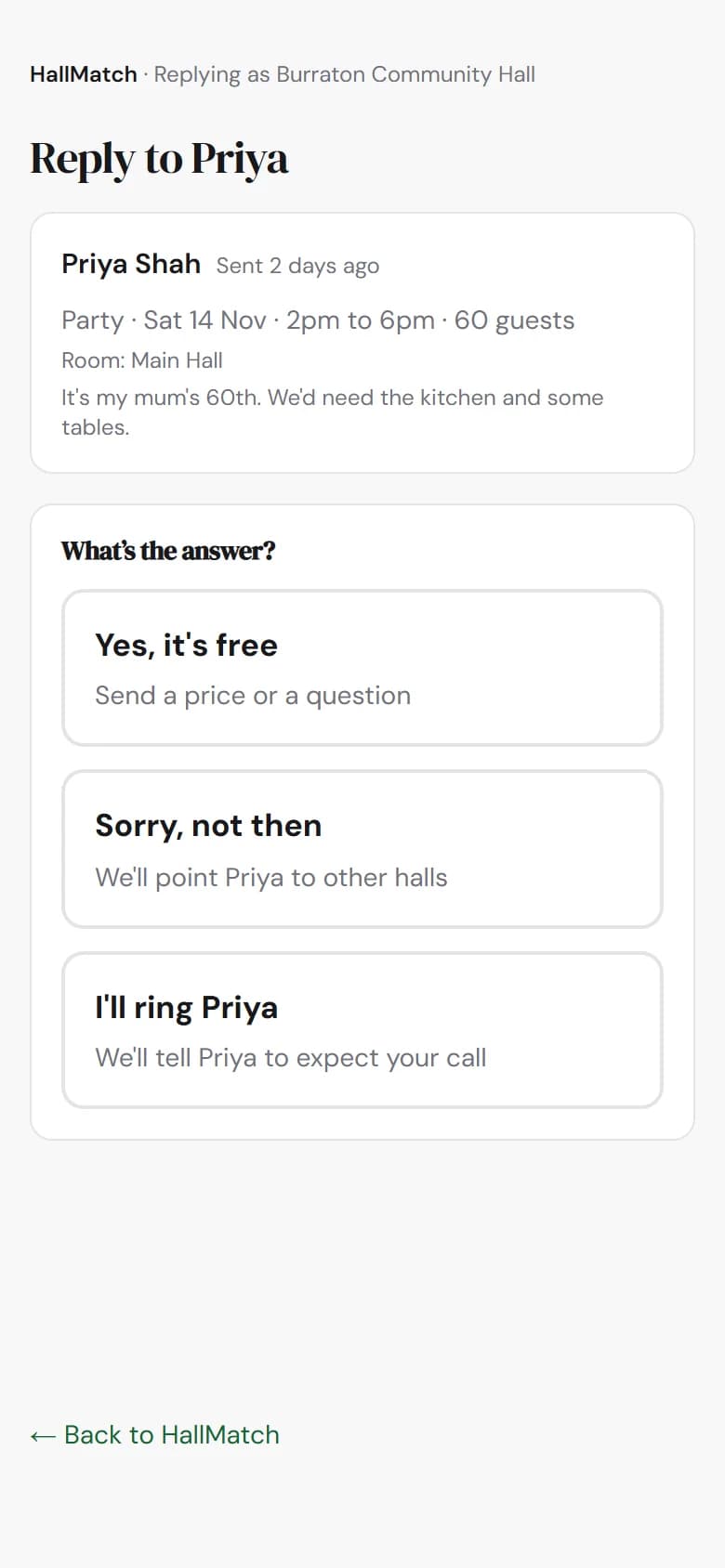
Every enquiry email has three answers to press. Pick one, check it, send. No password.
How to use it
- Step 1: In the enquiry email, press Yes, it's free, Sorry, not then or I'll ring the hirer.
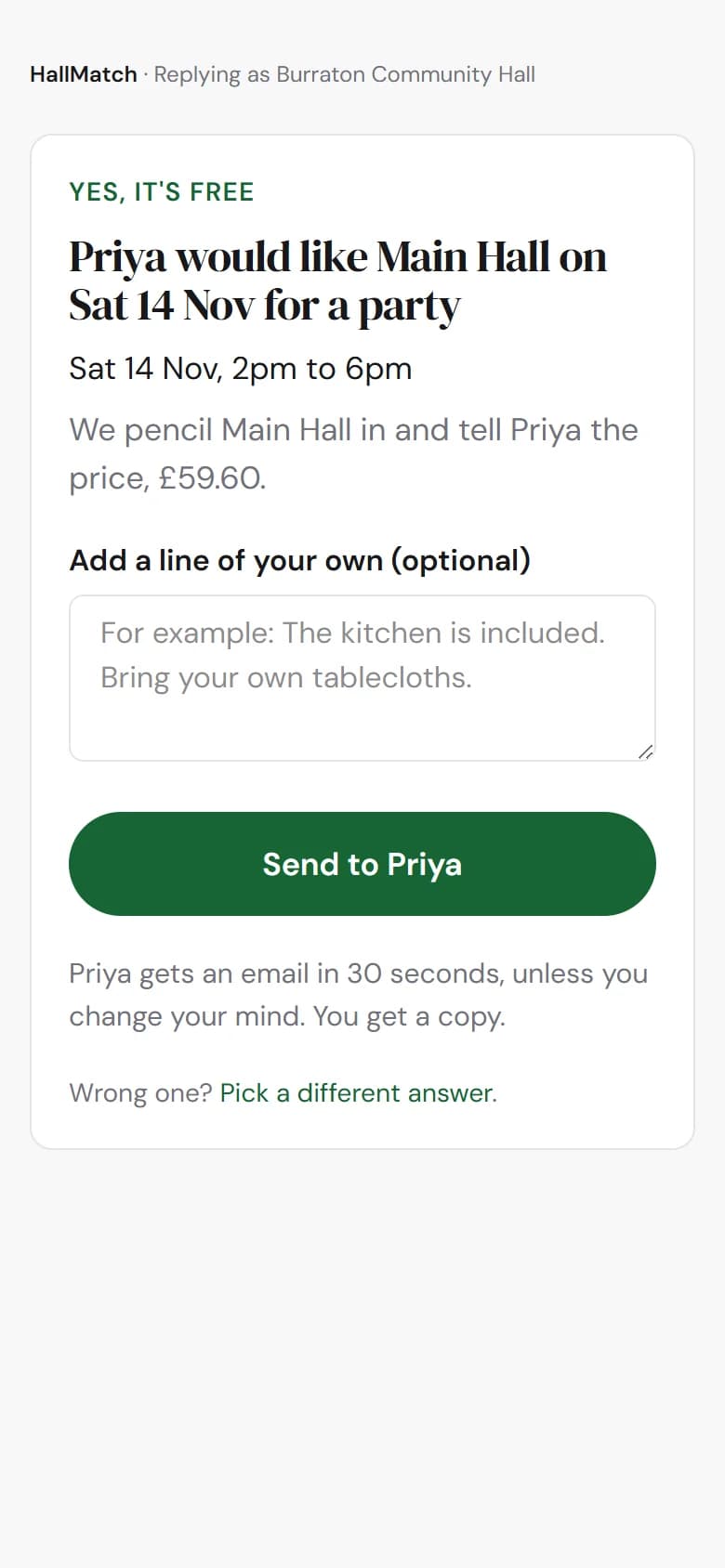
- Step 2: The page that opens says what will happen. Add a line of your own if you like.
- Step 3: Press Send to the hirer.
Good to know
- You don't need to sign in, and you have thirty seconds to change your mind.
- If the hirer writes back, it comes straight to your inbox. Replying to the email as before still works too.
Not on HallMatch yet? What HallMatch does for halls →