ImprovedFor halls
Change every detail hirers see on your venue page, from parking to licences
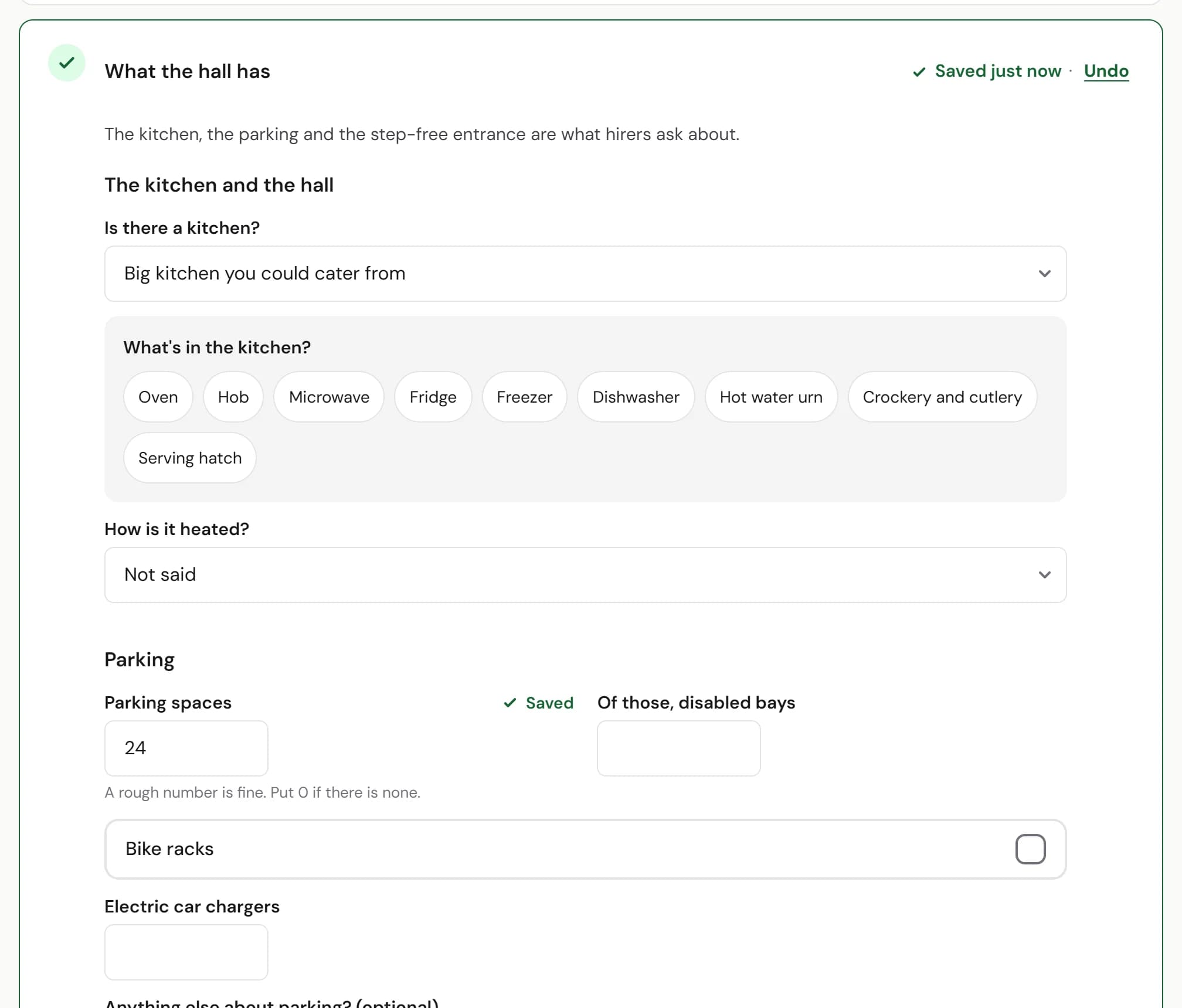
Your listing now covers everything your public page shows: the kitchen, parking, getting in, licences and safety, and more about each room.
How to use it
- Step 1: In Your listing, open What the hall has. Parking, The kitchen and the hall, Getting in, and the toilets and Licences and safety each have a group of their own.
- Step 2: Under Rooms and prices, open a room to add other layouts, a note about the price and what the room is like.
Good to know
- What you save is what hirers see. It stays as you wrote it, whatever turns up online.
- Where we found something online, the box says so until you check it. Press Looks right if it is.
- Every group is optional. Fill in what hirers ask you about most.
Where to find itYour listing, then What the hall has
Show me Not on HallMatch yet? What HallMatch does for halls →