NewFor halls and hirers
Find step-by-step help guides for running your hall
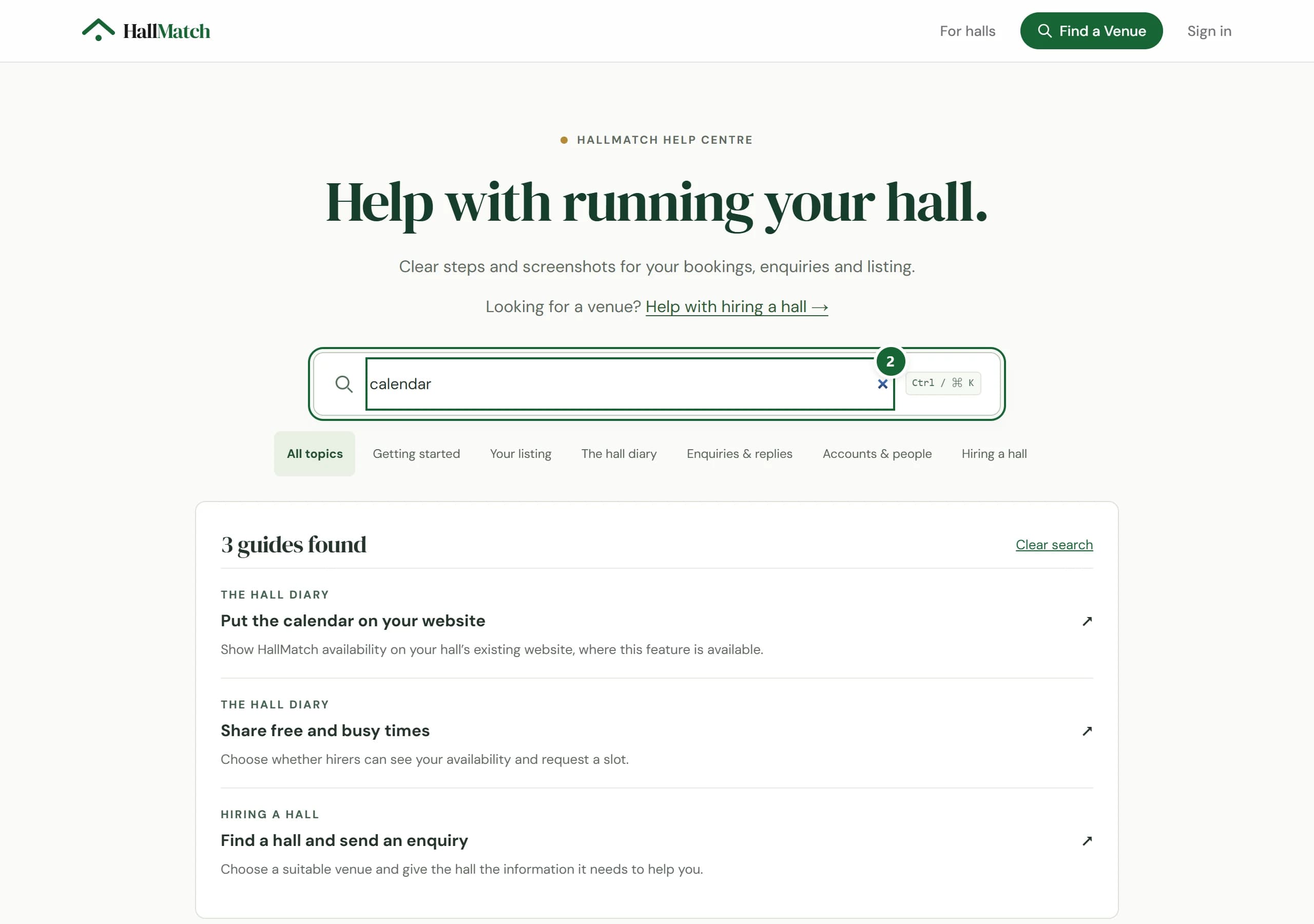
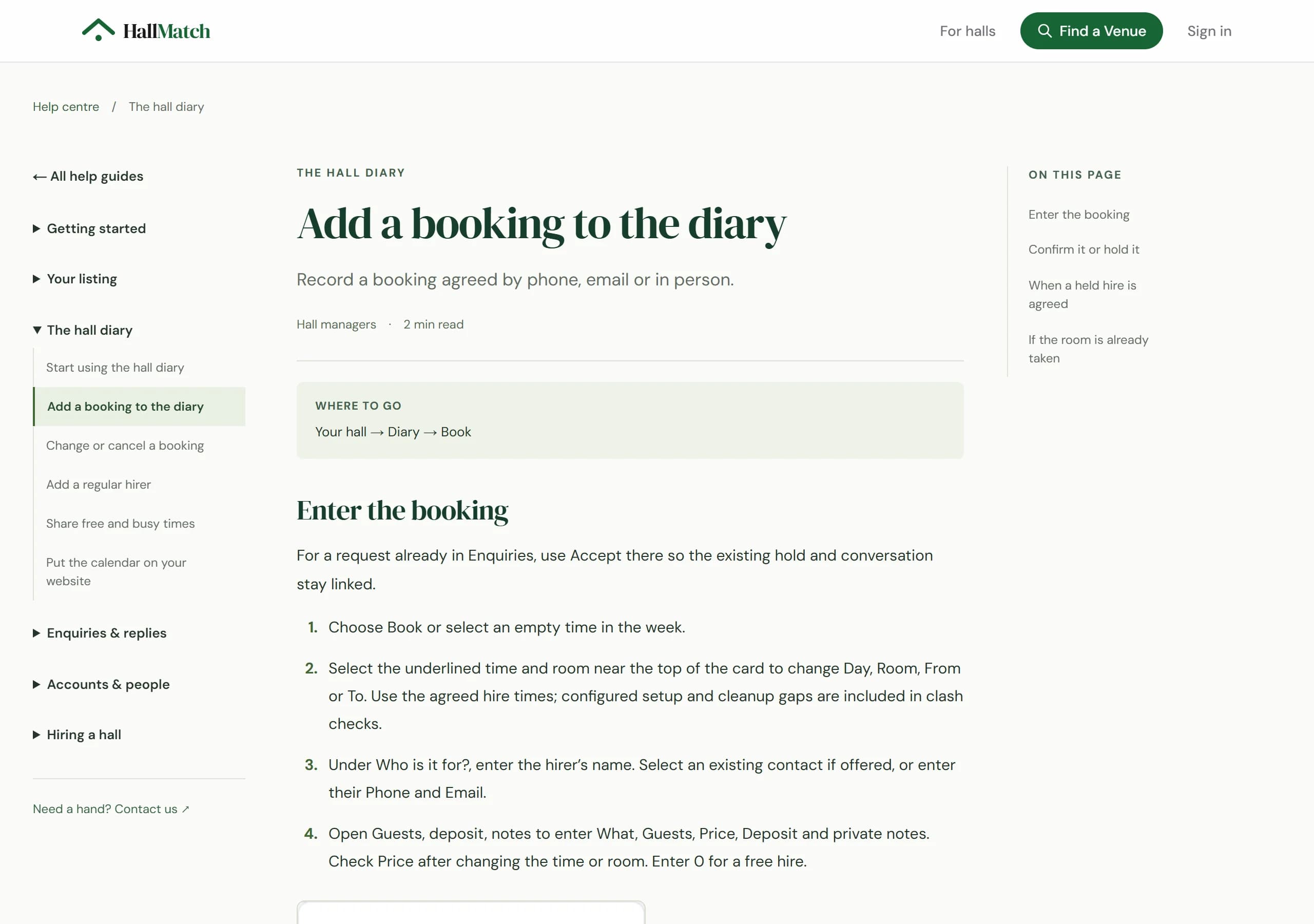
The new Help centre has short guides, from claiming your hall to adding a booking, each naming the screen and the buttons to press.
How to use it
- Step 1: Press Help centre at the foot of any HallMatch page, or Help guides at the foot of your dashboard.
- Step 2: Search, for example “calendar”, or pick a topic such as The hall diary.
- Step 3: Open a guide. Where to go names the screen, and the steps name each button in order.
Good to know
- You don't need to sign in to read the guides.
- Hiring a hall? Help with hiring a hall takes you to the guide for hirers.
- Still stuck? Contact the team at the foot of the Help centre.
Where to find itHelp centre
Go to Help centre Not on HallMatch yet? What HallMatch does for halls →