NewFor halls
See your listing before it goes public
Preview your page shows exactly what hirers will see, before your hall is live.
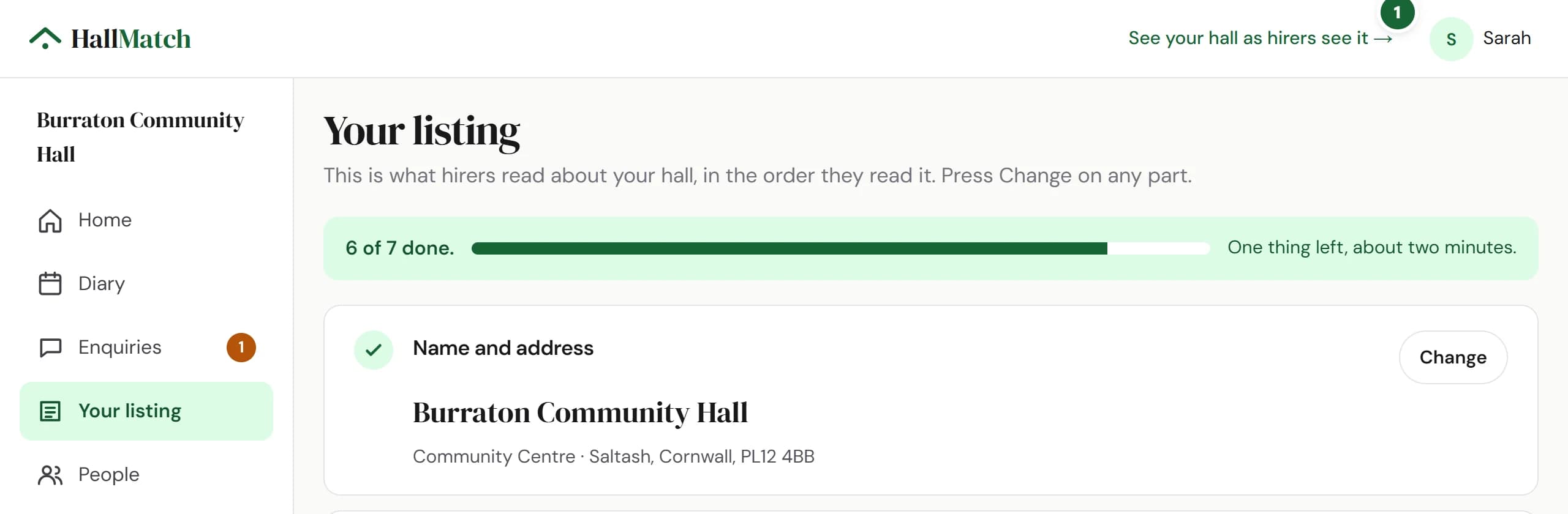
How to use it
- Step 1: At the top of any dashboard page, press Preview your page. Your hall's page opens with a strip saying it isn't public yet.
Good to know
- Once your listing is live, the same link reads See your hall as hirers see it.
Where to find itTop of any dashboard page
Show me Not on HallMatch yet? What HallMatch does for halls →