ImprovedFor halls
Your listing is one page now, and it saves as you go
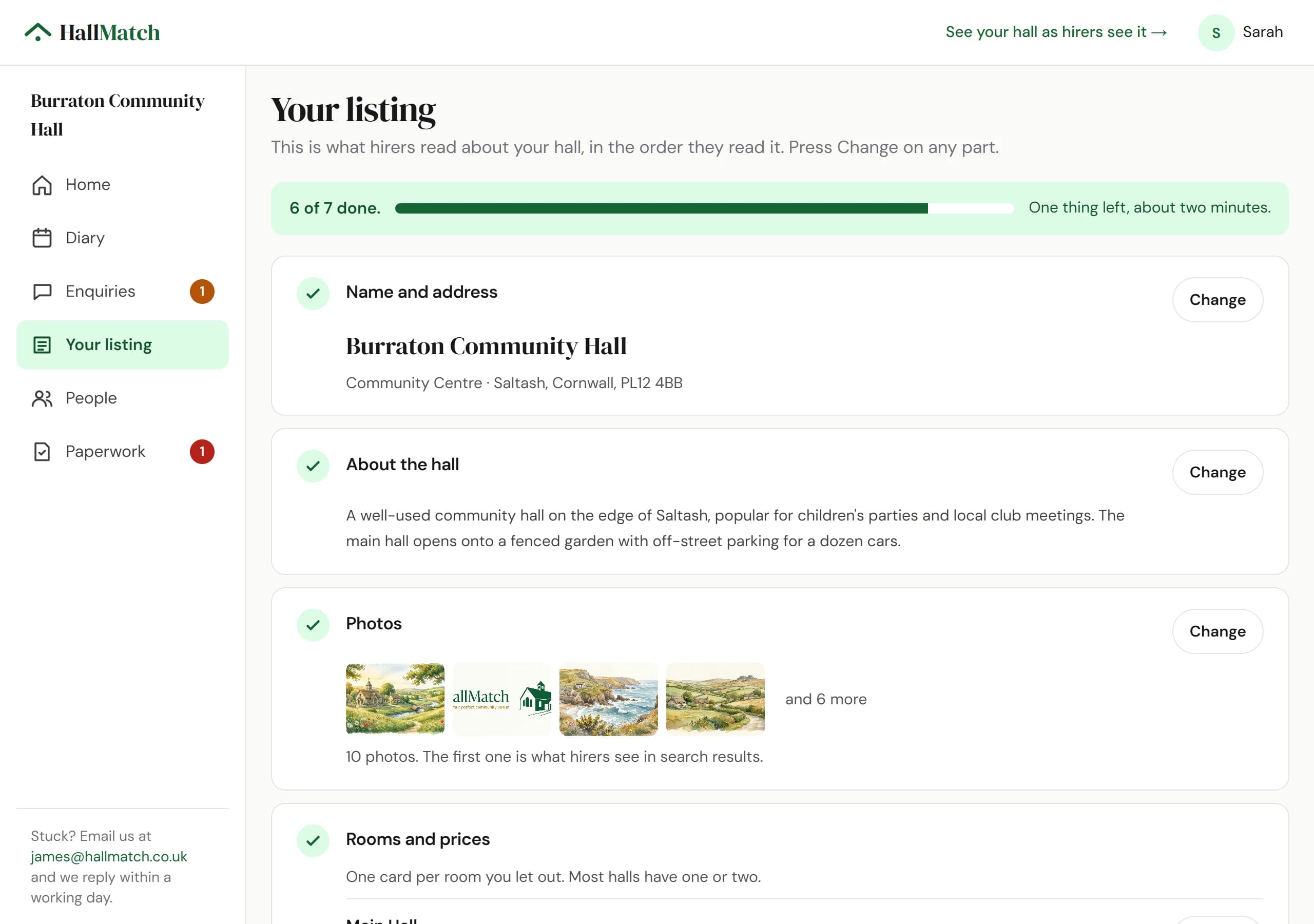
Your listing is one page with a Change button on each part, and everything saves by itself.
How to use it
- Step 1: Open Your listing. The bar at the top says how much is done.
- Step 2: Press Change on any part. It opens where it is.
- Step 3: Type. It saves by itself and says Saved just now. Changed something by mistake? Press Undo.
Good to know
- Short boxes, like the hall's name or a price, save when you move to the next box, so a stray key press doesn't go live halfway through a word.
- Photos live here now too, under Your listing.
Where to find itYour listing
Show me Not on HallMatch yet? What HallMatch does for halls →