NewFor halls
Take over your hall's listing in one tap, after answering a hirer
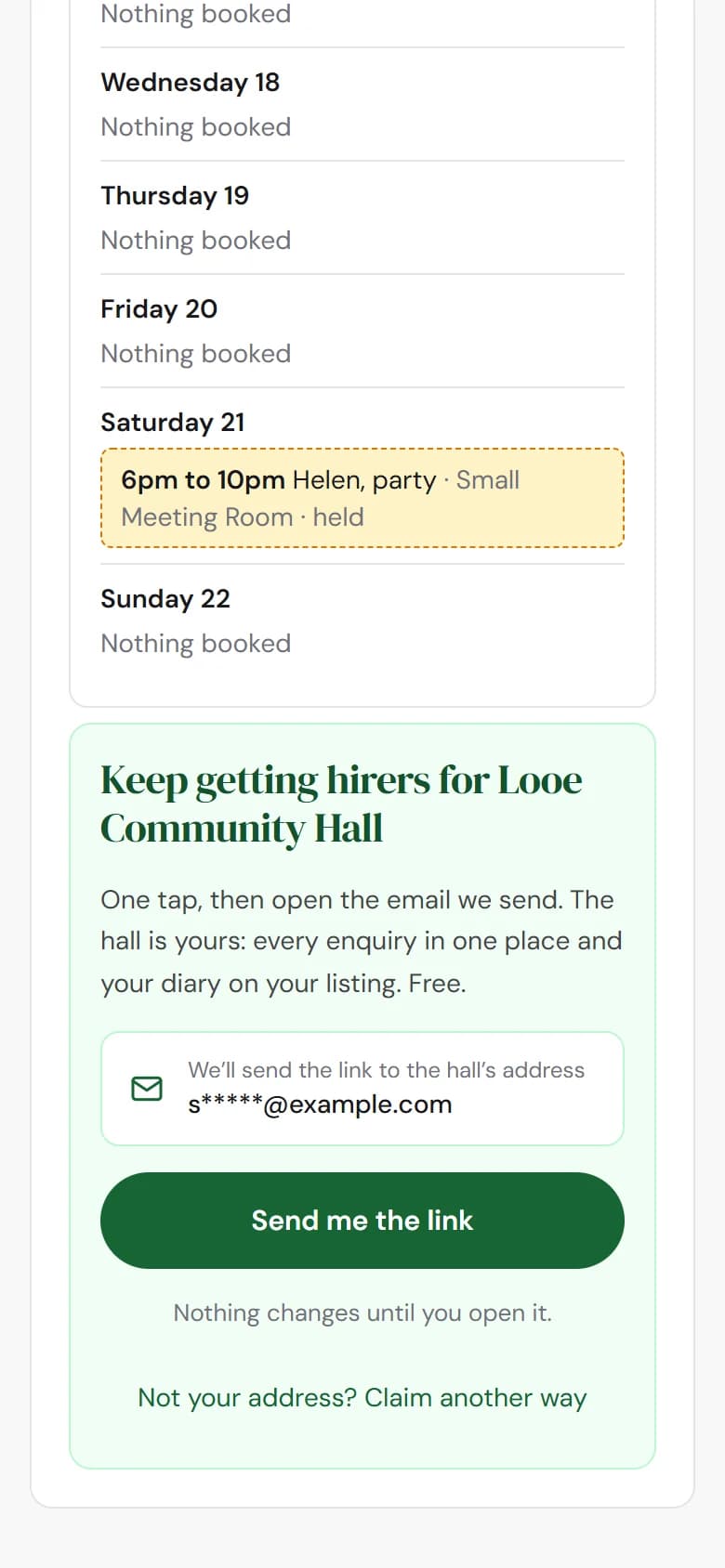
After answering an enquiry, press Send me the link, open the email, and the hall's dashboard is yours.
How to use it
- Step 1: Answer the enquiry on the reply page as usual.
- Step 2: Under Keep getting hirers for your hall, press Send me the link.
- Step 3: Open the email we send to the hall's address, and press its link. The dashboard for your hall opens, and it's yours.
Good to know
- Only for halls nobody at the hall has taken over yet. We built those listings from what's public.
- The link only ever goes to the address the enquiry was sent to, and it can't be changed on the page, so only someone who reads the hall's email can use it.
- Nothing to fill in, no wait while we check, and nothing changes until you open the email.
Not on HallMatch yet? What HallMatch does for halls →