What's new
What we've changed on HallMatch
Every change we make for halls and the people who hire them, newest first. Each one shows you the screen and says how to use it.
Last change 7 October 2026 · 37 changes so far
October 2026
Everything · 1
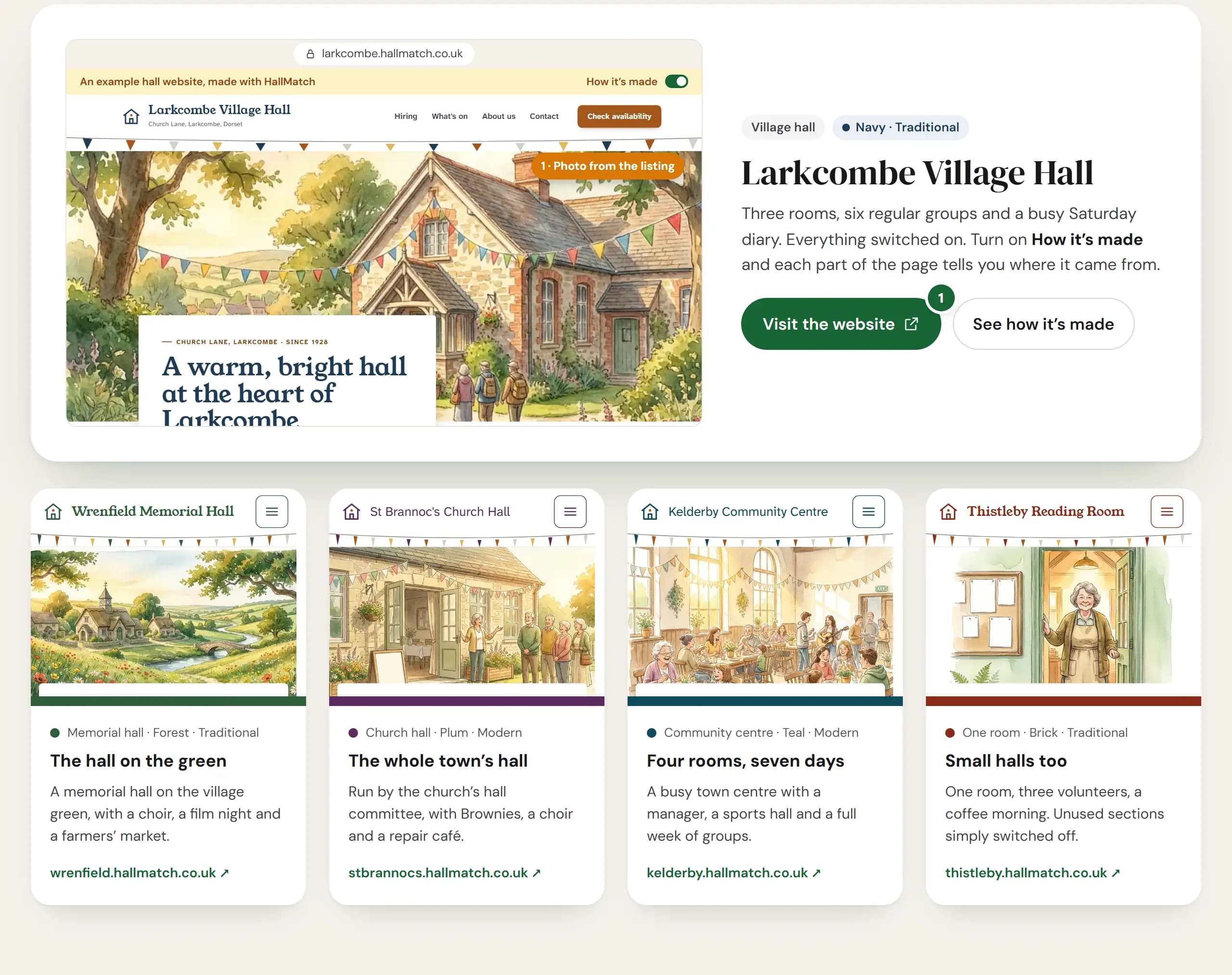
NewA website for your hall, made from your HallMatch listingLook round five example hall websites, try your hall's name and colour, then ask for a free preview made from your listing.
How to use it
- Step 1: Open Websites for halls and press Visit the website on any of the five example halls. Click round it and send a pretend enquiry.
- Step 2: Under Try it, type Your hall’s name and pick a Main colour to see your own front page.
- Step 3: On your HallMatch Home, press Build my preview. We make a private preview from your listing and email you the link.
Good to know
- It costs nothing to look. Your listing, enquiries and diary stay free whether or not you go ahead.
- Nothing goes public until someone presses Publish, and we never touch your email.
- The example halls are made up, so a pretend enquiry reaches nobody.
- Not claimed your hall yet? Ask for your free preview takes you to find it first.
Where to find itFor halls, then Websites for halls
Go to Websites for halls